Skip to content
SalesPilot AI PlatformSalesPilot AI Platform
  • Home
  • AI receptionist
  • How it works
  • Pricing
  • Support
  • Log in
  • Book a demo
Call us0495 040 123

How it works

How to set up an AI receptionist

Here’s how to set up an AI receptionist on SalesPilot, from your account to your first forwarded call. You do it yourself on screen, and each step says what’s needed.

Part of setting up is deciding when you want the call.

Claim your free month
A tradesman in his ute setting up on a laptop

Business checkedyour details and documents

Number chosenmobile or local

Test call passedit reached your number

Hand-drawn calendar doodle
  • It's an AI, not a person
  • You're the backup
  • No call centre behind it

Six steps

Six steps to your first real call

1

Get your account

Send us an enquiry and we’ll set it up with you. Add your business name, your hours and your services.

2

Verify your business

Australian rules say each phone number must belong to a checked business. You give your details and documents, then wait for the review. How long it takes depends on the review.

3

Add a card and credit

Your first month of the plan is free, but the AI needs credit to answer. Add at least A$5.

4

Get your number

Choose mobile or local. Search for digits you like. You see the price and confirm it before anything is bought.

5

Train your agent

Write the greeting. Add your website, a document or plain text. Pick a voice, with Australian voices listed first. Then talk to it on screen until it answers the way you want.

6

Forward your calls

Follow the steps for your carrier, tick that you’ve set it, then run a test call from another phone.

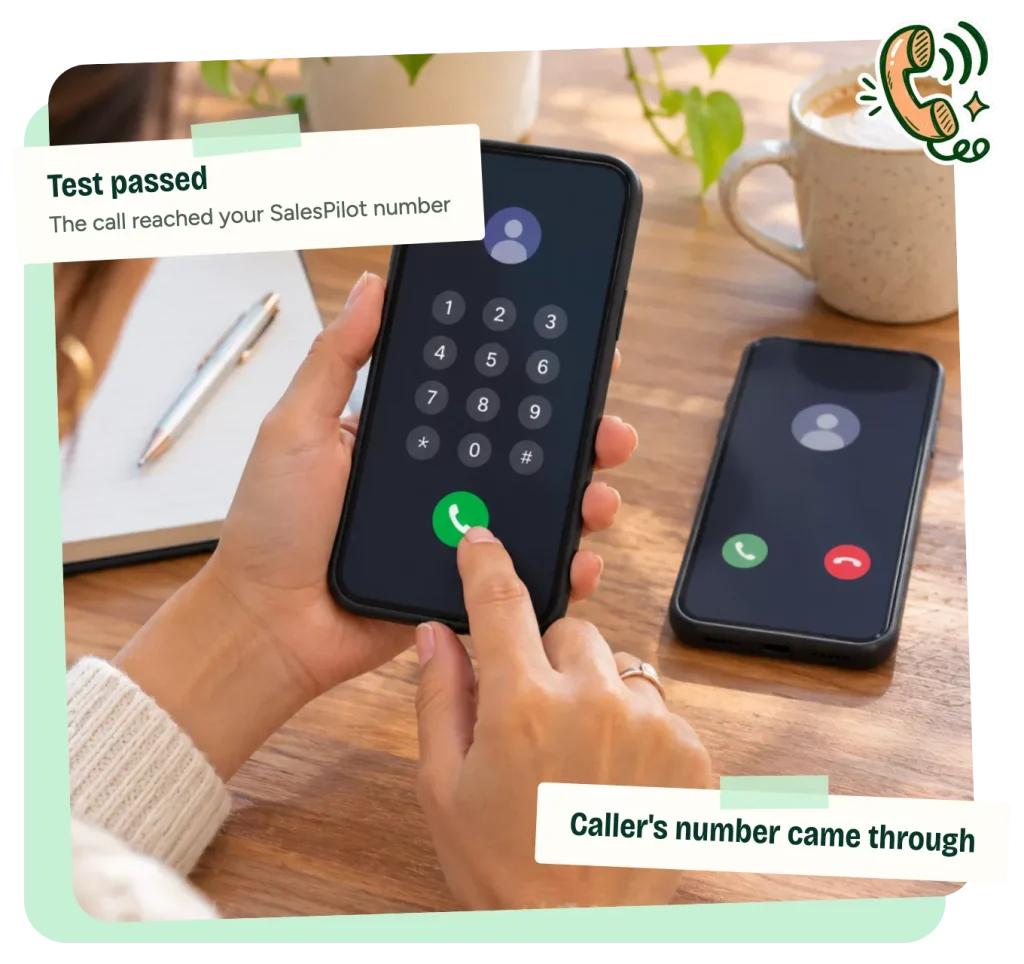
Hands dialling one phone while a second phone rings on the desk

The forwarding test

What the forwarding test checks

You pick the phone you’ll call from, then you ring your own number and let it ring out. You have 3 minutes.

It passes if the call reaches your SalesPilot number. It also tells you if the caller’s number came through. If nothing arrives, you get fixes for your carrier.

The test is a real call, so normal charges apply.

You choose

Who gets the call

AI straight away

The AI answers calls to your SalesPilot number first.

Team, then AI

Your team rings first. If nobody answers, the AI takes it.

Team, then your mobile

Your team rings first, then your mobile.

After hours

When you’re closed, the AI takes every call and nobody is rung.

Change it later

You choose this for your number, and you can change it later.

Recording is your choice

Recording is off unless you turn it on for a number. When it’s on, everyone hears a notice before recording starts.

Forwarding limits

Forwarding is set by your carrier, so these limits apply

  • Your phone rings outThe call forwards, and the AI answers.
  • You decline the callIt doesn’t forward.
  • Your phone is off or out of rangeIt doesn’t forward.
  • Voicemail answers firstThe call never reaches us. Turn voicemail off first, or make it wait longer.
  • Your phone and SalesPilot ringing togetherNot possible on your existing number.
  • Telstra or VodafoneThe steps can’t set the ring time. Ask your carrier.
  • A landline or another carrierAsk them to set call forward on no answer.
An electrician beside her van taking a call
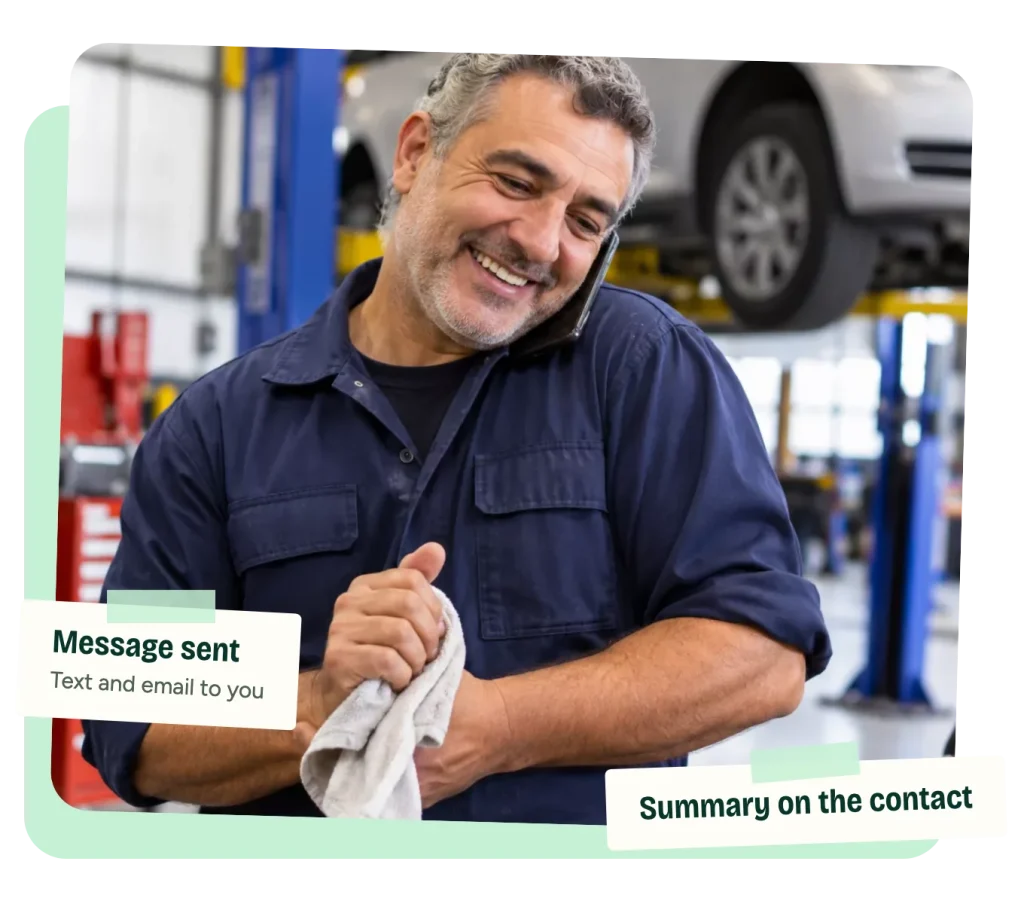
A mechanic taking a call in his workshop

On a call

What happens on a call

The AI greets the caller and listens. It answers from what you’ve taught it. If it can’t, it says so and offers to take a message.

It can book a free time on your main calendar. It can pass the caller to your mobile. Near the end of the time limit it says someone will call back, and it gets a name and number if it doesn’t have them.

After the call, you get the message by text and email. The call summary sits on the contact.

Recording laws differ between Australian states. Check what applies to your business.

FAQs

Setting up

How long does it take?

Writing the greeting and adding your website doesn’t take long. The business check is the unknown, because someone else reviews it. We don’t promise a time.

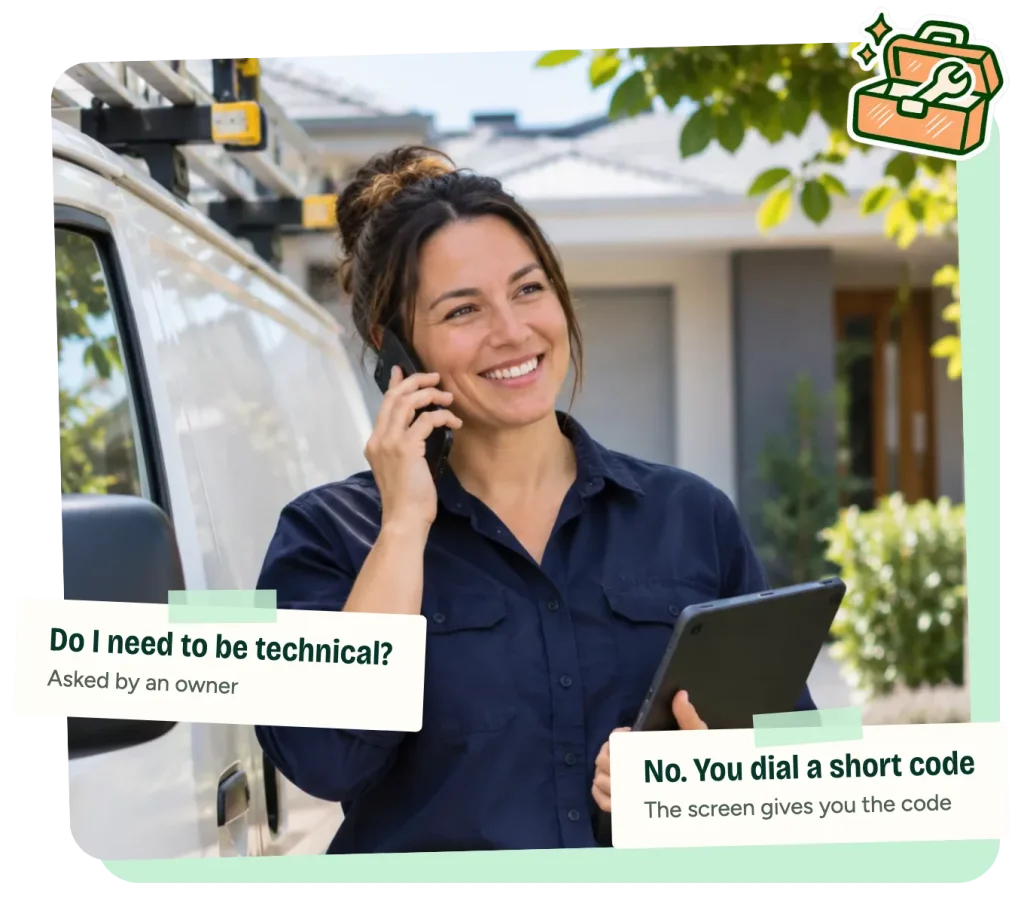
Do I need to be technical?

No. You’ll dial a short code on your phone, and the screen gives you the code.

Can I test it before customers hear it?

Yes. Talk to it on screen as much as you like. Then do the forwarding test from a second phone.

Can I turn it off?

Yes. Dial the off code your carrier gave you, or ask your carrier. Your phone keeps forwarding until you do.

Can I have more than one number?

A business has one number for now.

An electrician on a call beside her van

Set it up at your own pace

Send us an enquiry and we’ll help you get started. You don’t need a card until you go live.

Send an enquiry

See pricing

SalesPilot AI Platform
HomeAI receptionistHow it worksPricingContact usSupportPartners
iPhone appApp StoreAndroid appGoogle Play

SalesPilot AI Platform by Web Development Experts. ABN 63 681 717 573FacebookPrivacy policy

  • Home
  • AI receptionist
  • How it works
  • Pricing
  • Support
  • Log in
  • Book a demo